
Too many POs. Too many supplier follow-ups. Too much to remember.
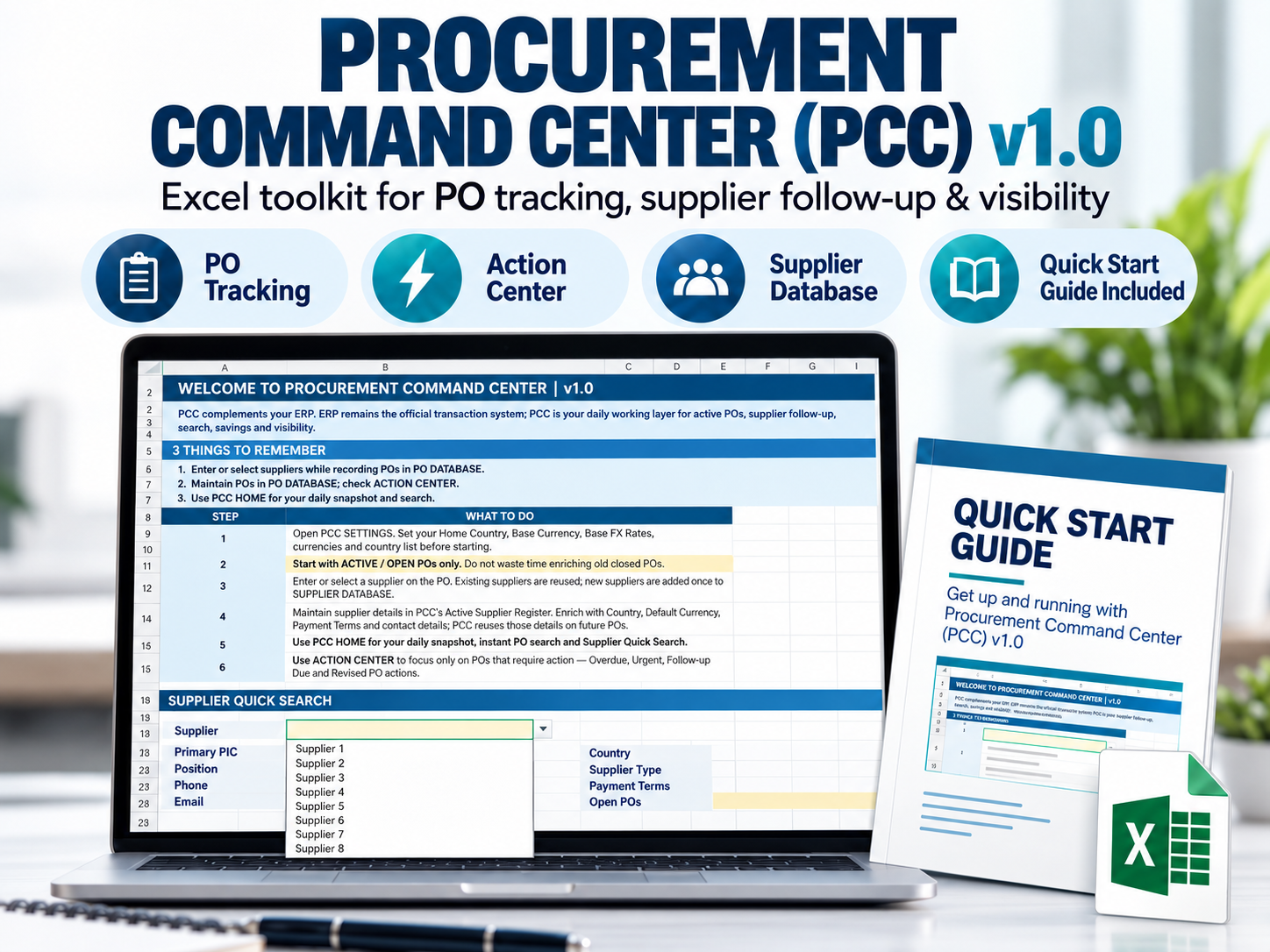
Procurement Command Center (PCC) is an Excel-based procurement workflow tool designed for procurement professionals who manually manage purchase orders, supplier follow-ups, delivery dates and procurement records.
PCC gives you one clear place to see what needs attention today.
With PCC you can:
• Track active purchase orders
• Identify overdue and urgent POs
• Manage supplier follow-ups
• See upcoming follow-up actions
• Search PO and supplier information quickly
• Monitor procurement activity and spend
• Maintain an active supplier register from your PO activity
• Record confirmed transactions while preserving Currency and FX information
What you'll receive
• PCC v1.0 Excel workbook (.xlsm)
• PCC v1.0 Quick Start Guide (PDF)
Designed for
Procurement executives, buyers and purchasing professionals who manually manage POs and supplier follow-ups.
System requirements
• Microsoft Excel 2021 for Windows
• Microsoft 365 Excel Desktop for Windows
• Macros must be enabled
Not supported in PCC v1.0: Excel for Web, Google Sheets, Mac, and older Excel versions.
How to enable PCC macros safely
- Download the PCC
.xlsmfile using the link sent to your email after purchase. - Close Excel if the file is already open.
- In Windows File Explorer, right-click the PCC file → Properties.
- On the General tab, look near the bottom for Security and tick Unblock.
- Click Apply → OK.
- Open PCC again in Excel Desktop for Windows.
- If Excel shows a yellow security bar, click Enable Content.
- If prompted, confirm that you trust the document.
Support
Email: [email protected]
Response target: within 3 business days