
Note :
Please ensure your HitPay account is fully approved by HitPay compliance team before purchasing the terminal
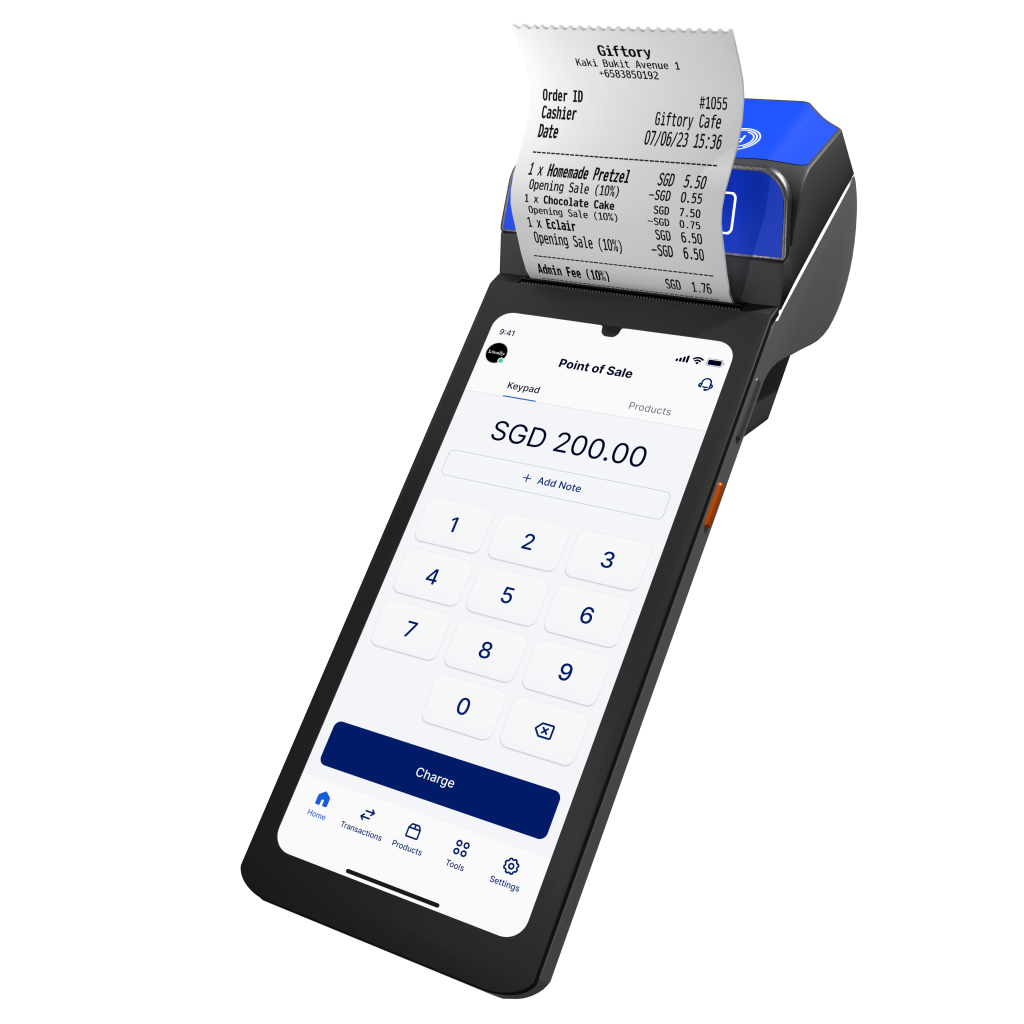
The HitPay All-in-One terminal is your go-anywhere payment powerhouse. Built with Tap (PayWave) card capabilities, this Android-based device runs fully standalone with built-in WiFi and cellular connectivity. Accept card and QR payments, print receipts, and manage sales on a single device
See how it works on our Youtube Video.
🔹 Key Features:
• Accepts Tap, PayWave, Apple Pay, Google Pay and Samsung Pay
• Built-in receipt printer
• WiFi + Cellular support (SIM card has to be purchased separately)
• Accepts QR payments on-device
• Runs independently, no pairing needed
🛍️ Ideal for:
• Growing retail stores
• Delivery or on-the-go businesses
• Merchants needing full-featured, mobile payment terminals
Top FAQs
How do I customize my receipts?
Go to Settings → Edit Business Details → Receipt Customization.
docs.hitpayapp.com
My app is frozen — what should I do?
Quit the app (close all apps, find HitPay App, reopen it), or uninstall and reinstall the app.
docs.hitpayapp.com
How do I know if the transaction is successful?
Tap and hold the credit card until you see a green tick on the terminal and the option to print.
docs.hitpayapp.com
My terminal is trying to reconnect — what now?
Let it try for 5–10 seconds. If after 30 seconds it’s still reconnecting, go to Settings → Terminal → click on Terminal number → Done.
docs.hitpayapp.com
What printer paper size should I buy?
Paper width: 58 mm
Paper roll diameter: 40 mm max
If you use 80 mm × 40 mm thermal rolls, update the setting under Settings → SunmiPrinter → Paper Spec: 80mm → OK.